Possible Cause: Plant Not Detected
If you are unable to choose a plant type in the app, it is usually because Ivy has not detected a plant yet. When a plant is detected for the first time, Ivy will display a question mark on the screen.
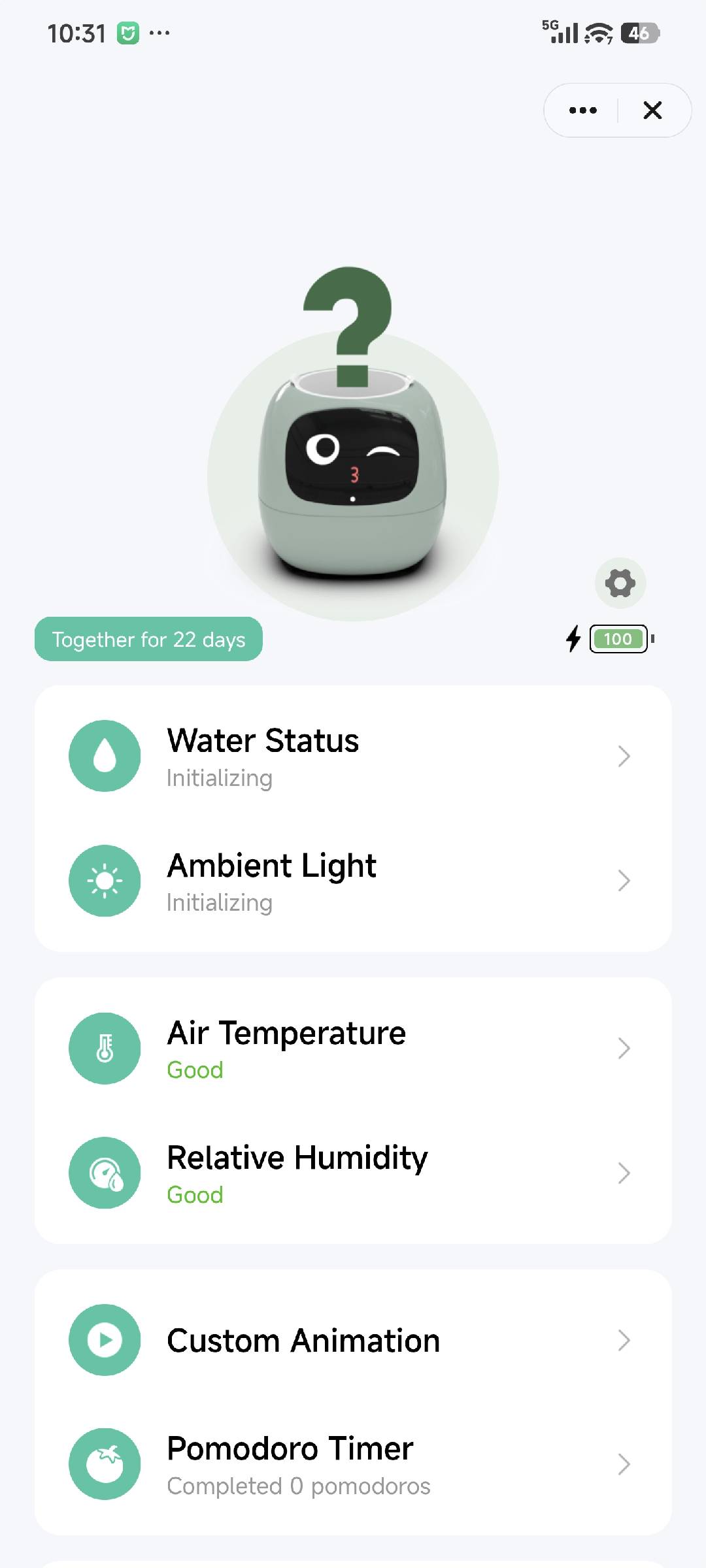
- If you see nothing at all, it means the plant is not detected.
Check the Inner Pot
Please ensure that the inner pot is properly placed inside Ivy. If the inner pot is missing or not seated correctly, Ivy will not recognize the plant.
Restart Ivy
If the plant still doesn’t appear after checking the inner pot, try restarting Ivy:
- Press and hold the back button to shut Ivy down.
- Press the button again to restart Ivy and allow it to detect the plant again.